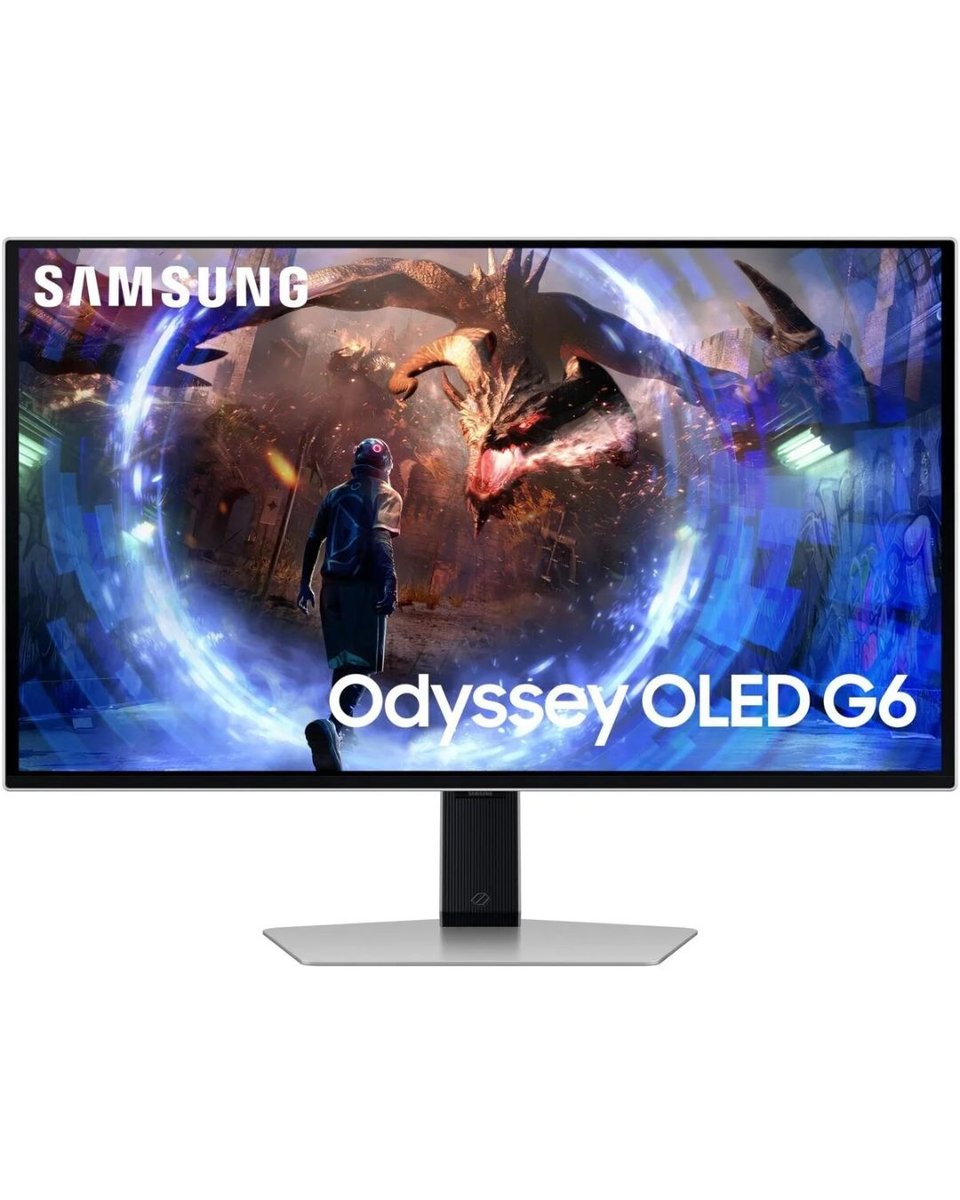
Samsung 27″ Odyssey OLED G60SD QHD Gaming Monitor 360Hz Refresh Rate LS27DG602SMXUE
Aspect Ratio : 16:9
Panel Type : OLED
Brightness (Typical, cd/m2) : 250 cd/㎡
Brightness (Min, cd/m2) : 200 cd/㎡
Contrast Ratio Static : 1,000,000:1
HDR (High Dynamic Range) : HDR10, HDR10+, HDR10+ Gaming
Resolution : QHD (2,560 x 1,440)
Response Time : 0.03ms(GTG)
Viewing Angle (H/V) : 178°(H)/178°(V)
Refresh Rate : Max 360 Hz
Description
Features
Epic Screen. Epic Play.

Stunning visuals and brigther highlights
OLED picture qualitySamsung OLED delivers superior brightness with an expansive spectrum of colors, shades, and contrasts for consistently brilliant imagery. With 250 nits (typ) of brightness and a wider color gamut, every scene comes alive in vivid detail.

Dive into shadows with purer black levels
Deep black levelsUncover every secret with infinite expression. See true black and dark colors on screen without pixel light bleed for supreme color and depth expression in every game.

Focus without distraction
OLED Glare Free
Glare Free technology significantly reduces glare from external light sources, so the OLED screen's perfect black and color experience are presented without distractions. With a screen 54% less glossy than conventional Anti-Reflection film, you can see your full game environments and get the drop on enemies.

Samsung OLED Safeguard+ to protect your screen

Dynamic Cooling System
For the first time in the world, Pulsating Heat Pipe was applied in the monitor to prevent burn-in. Dynamic Cooling System evaporates and condenses a coolant to diffuse heat 5 times better than the older graphite sheet method, reducing temperature at the core.
* Images simulated for illustrative purposes.
Thermal Modulation System
Algorithms predict surface temperature and automatically control brightness accordingly to reduce heat

Logo and taskbar detection
The brightness on static images, like logos and taskbars, is automatically reduced to prevent burn-in.
Dodge, counter and engage faster than the rest with OLED technology, offering a near-instant 0.03ms response time (GtG). Stay ahead of the competition with HDMI 2.1 and DisplayPort connections, providing a 360Hz refresh rate in QHD resolution. Every millisecond counts when facing the best.
* Based on GtG measured under internal test conditions. Results may vary by content and monitor settings.** GtG (Gray to Gray) measures the time taken for a monitor pixel to change from one gray value to another.

Immerse in smooth action without disruption
AMD FreeSync Premium ProHyper action made seamless. Support of Variable refresh rate (VRR) with AMD FreeSync Premium Pro keeps the GPU and panel synced up to eliminate choppiness, screen-lag, and image tears. Fast-action and complex game scenes are stable and stutter-free for your competitive edge.
* Screen images simulated for illustrative purposes.
A screen with style

Stunning in any space
Sleek Metal Design
An upgraded sleek and modern design transforms any room into a high-tech paradise. CoreLighting+ matches your mood with ambient lighting for any vibe. Measuring 3.9mm at its thinnest point, you can make your space your own.
* Logo color on the monitor may vary based on time of purchase.
Extend winning streaks in comfort
Ergonomic Stand
Reach the height of winning. Swivel, tilt, and adjust your monitor until all enemies are in perfect view. Your display can be moved freely so you can find total gaming comfo
Buy direct. Get more.
Recommended Products
 -7%
Monitors
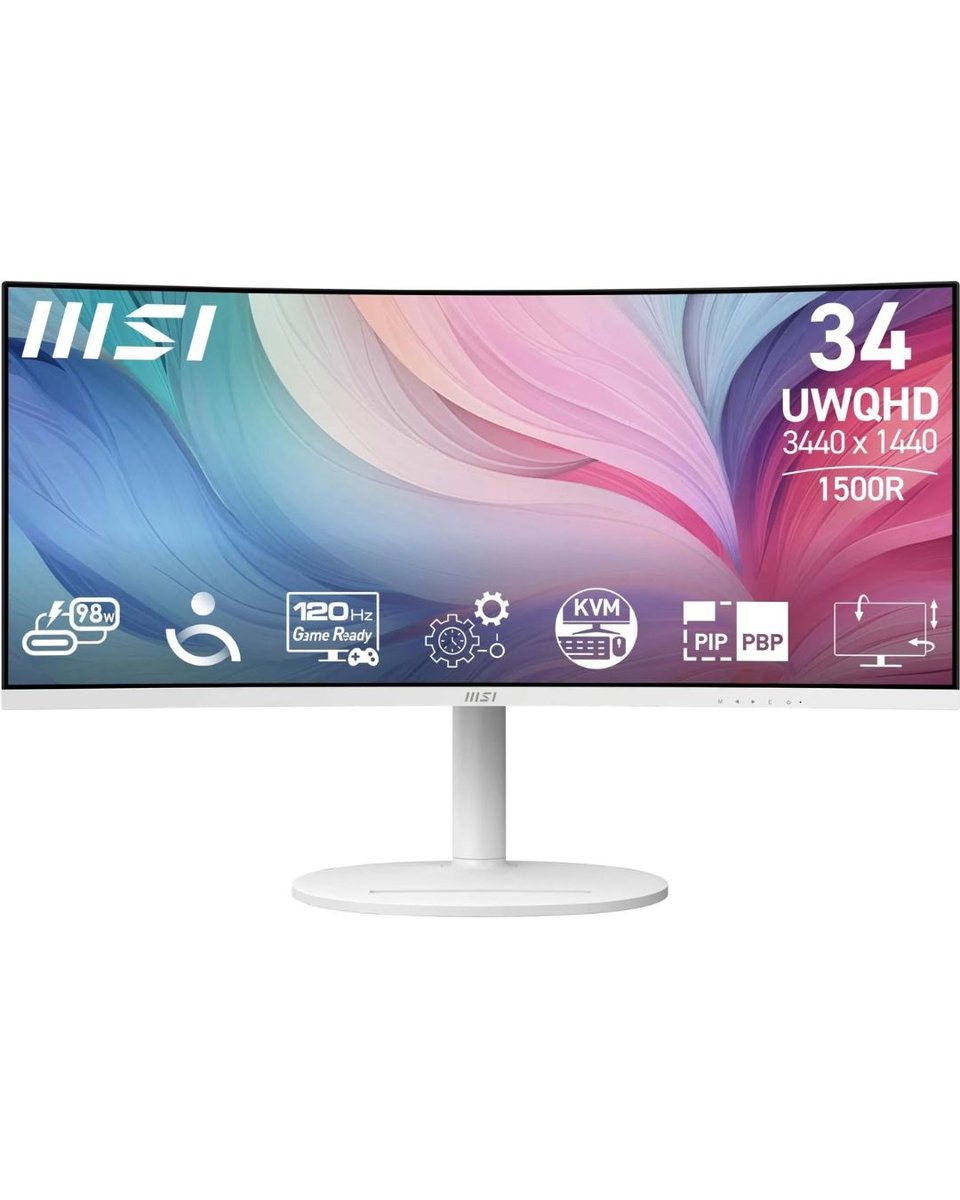
MSI Modern MD342CQPW 34" WQHD 120Hz 1ms UltraWide Curved Monitor
Msi
34" Curved display (1500R) 2K (3440 x 1440, QHD) resolution 4ms (GTG) Respond Time and 120Hz Refresh Rate 21:9 Aspect ratio Adaptive Sync Technology...
 -5%
Monitors
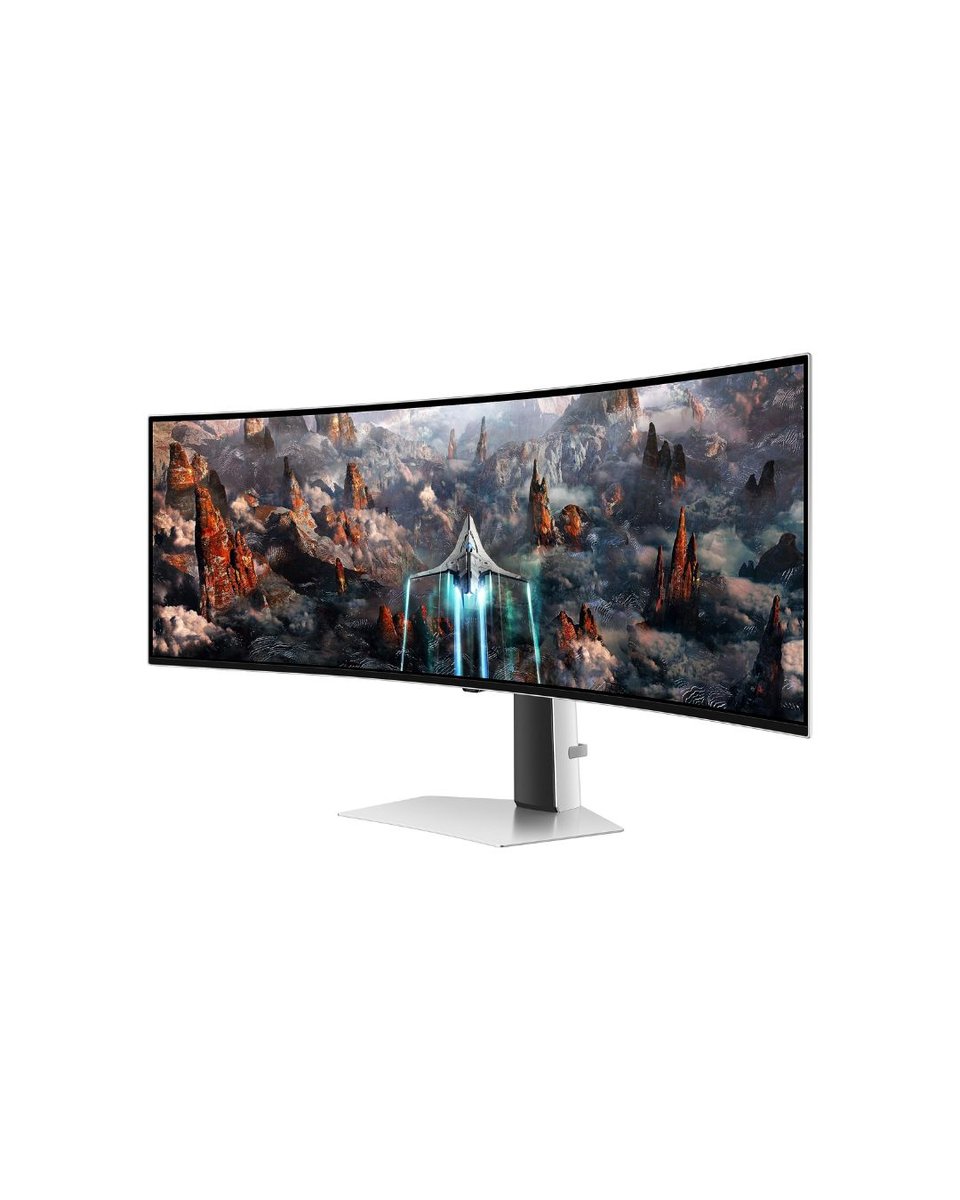
Samsung Odyssey QD-OLED G9 model G95SD LS49DG952SMXUE, 49" Dual QHD, 240Hz Refresh rate, 0.03ms Response time, HDMI 2.1, G-Sync Compatible Curved Gaming Monitor
samsung
Model Number: G95SD Screen Size: 49 inches Resolution: Dual QHD (5120 x 1440) Panel Type: QD-OLED Aspect Ratio: 32:9 Curvature: 1800R Refresh Rate: 240Hz...
 -8%
Monitors
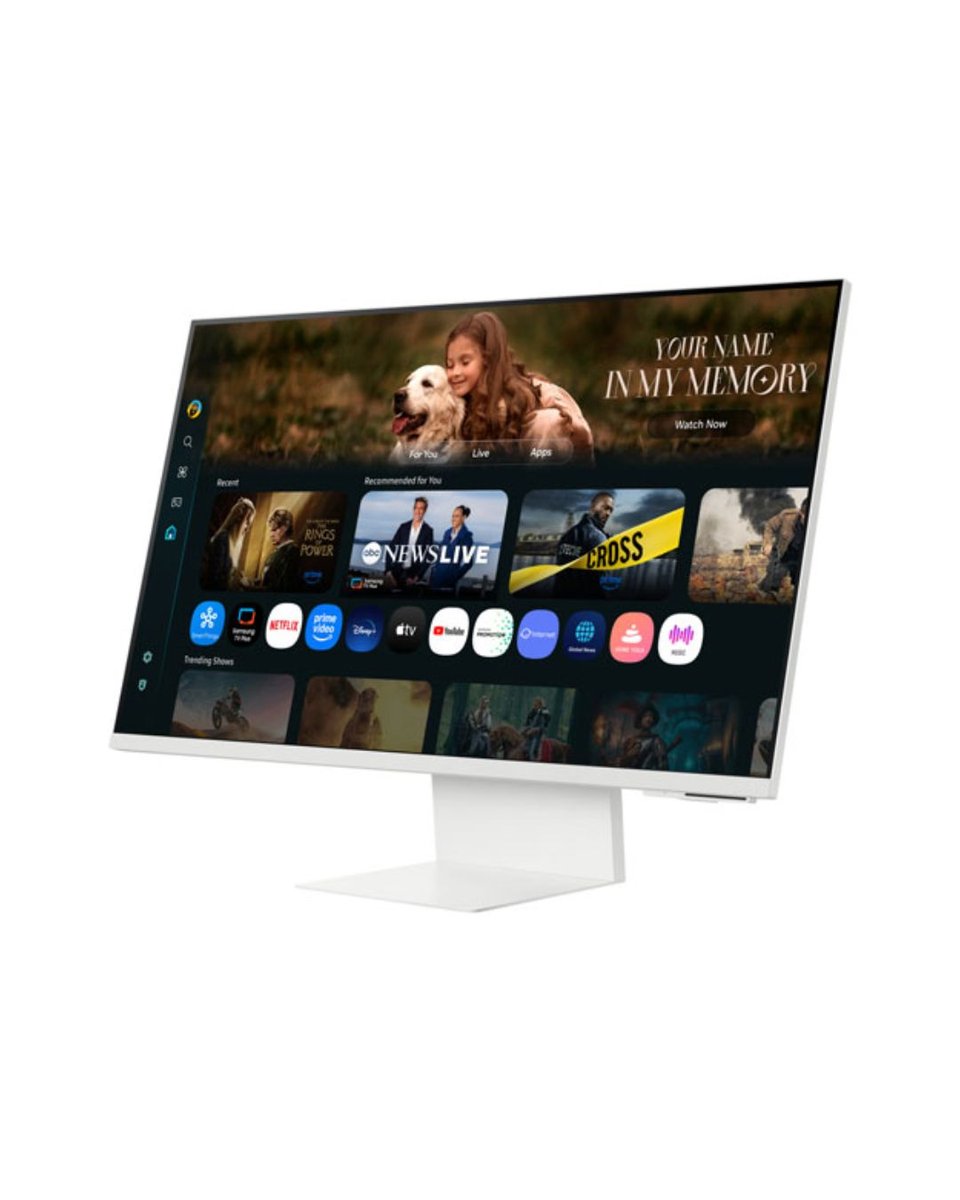
LS32FM801UMXUE UHD (4K) M80F Smart Monitor M8 White with inbuilt webcam
samsung
32-inch flat smart display 4K UHD resolution (3840 × 2160) VA panel with high contrast (~3000:1) HDR10 / HDR10+ support with ~1 billion colors ~99% sRGB color...
 -8%
Monitors
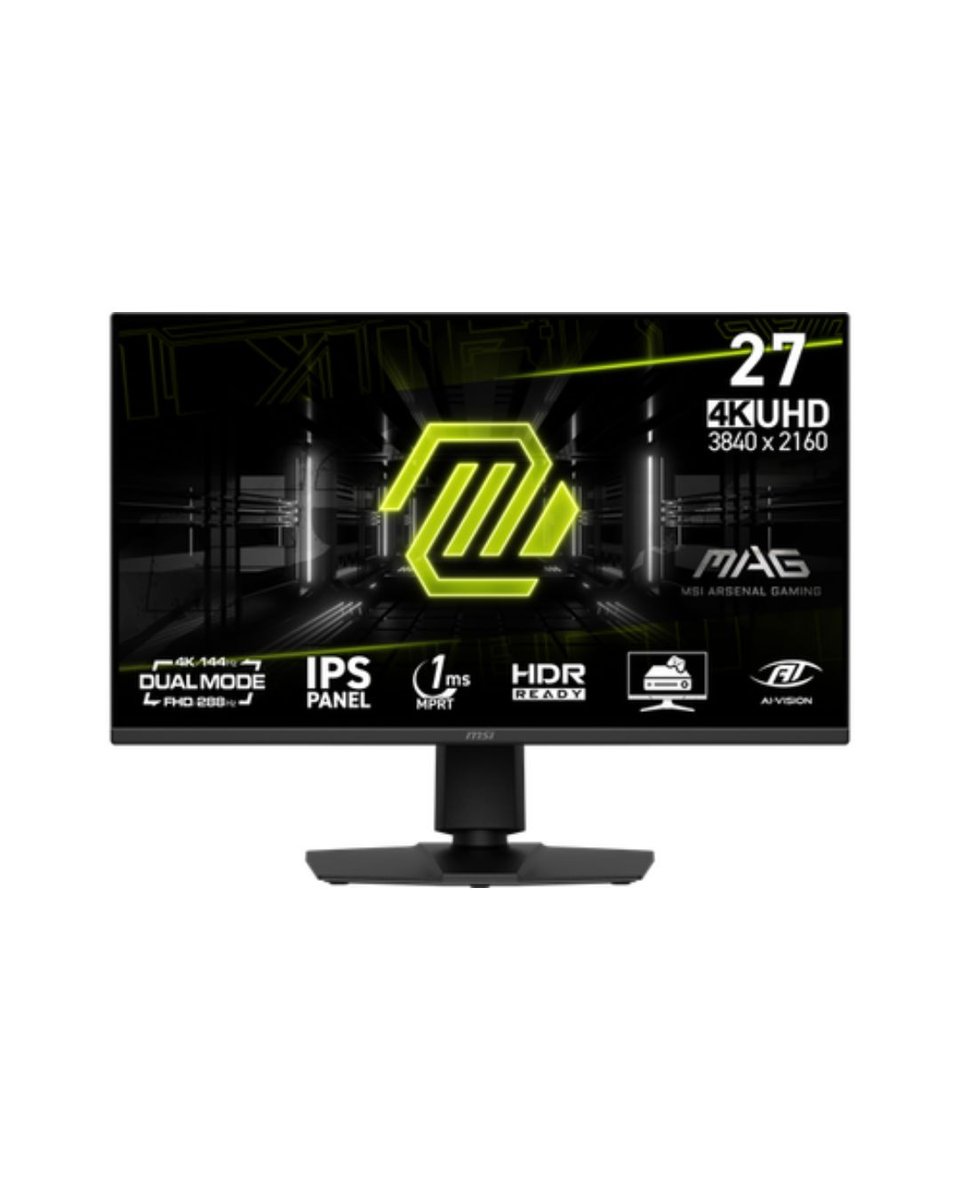
MSI MAG 275UPD E14 27-Inch 4K Gaming Monitor
Msi
27" 16:9 IPS PanelHDMI 2.1 | DisplayPort 1.4aUHD 4K 3840 x 2160 at 144 HzFull HD (1080p) 1920 x 1080 at 288 HzFreeSync Premium1 ms MPRT Response Time1500:1...
Related Products
 -8%
Monitors
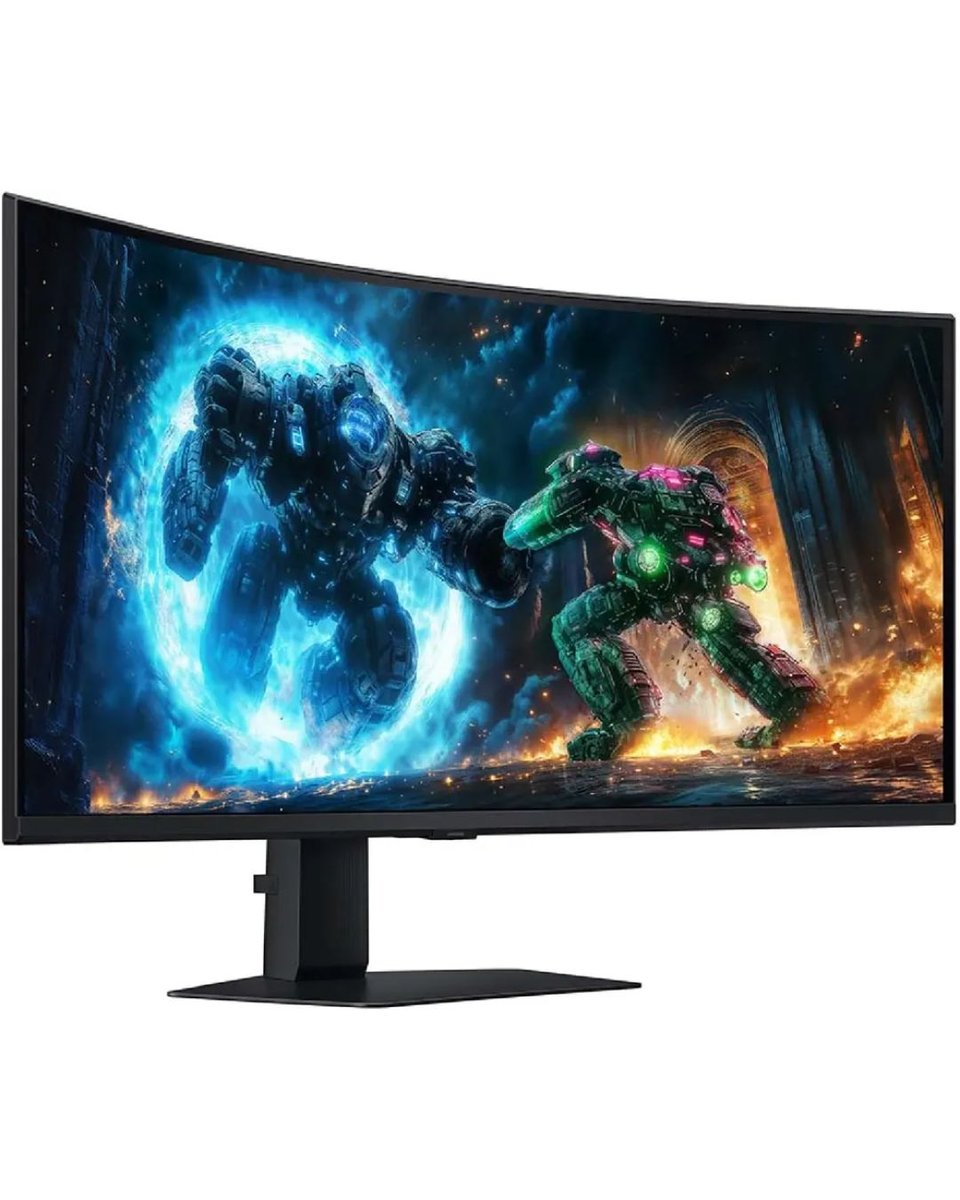
Samsung Odyssey G7 G75F 40" Gaming Monitor LS40FG750EMXUE
samsung
Specifications Screen size: 40 inches Resolution: 5120 × 2160 (WUHD) Aspect ratio: 21:9 Curvature: 1000R Refresh rate: 180 Hz Response time: 1 ms (GtG)...
 -8%
Monitors
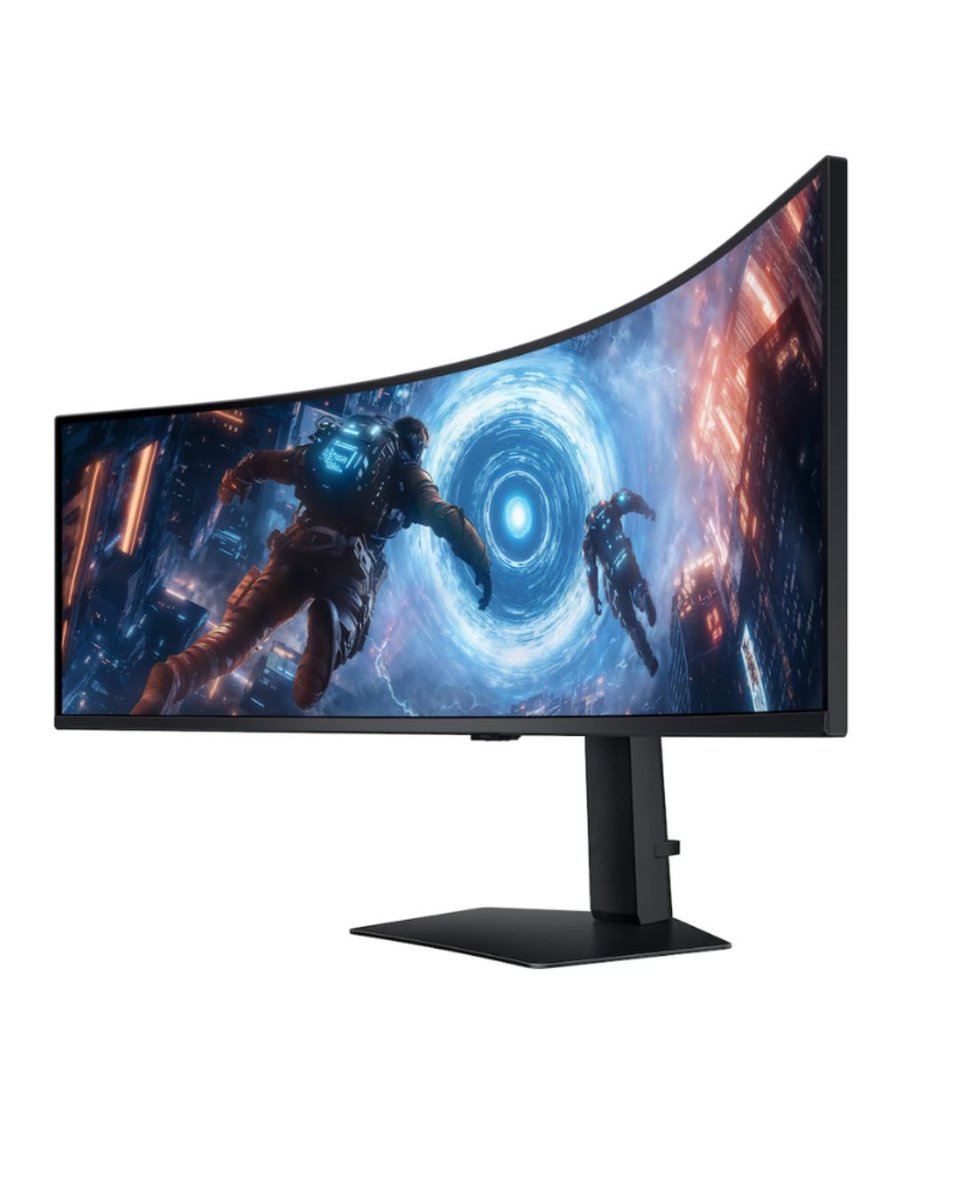
SAMSUNG Odyssey G9 G91F Curved Gaming Monitor DQHD Resolution, 144Hz Refresh Black LS49FG910EMXUE
samsung
Screen Size: 49 inches Resolution: 5120 x 1440 (DQHD) Refresh Rate: 144 Hz Response Time: 1 ms (GtG) Curvature: 1000R Aspect Ratio: 32:9 Contrast Ratio: 2500:1...
 -14%
Monitors
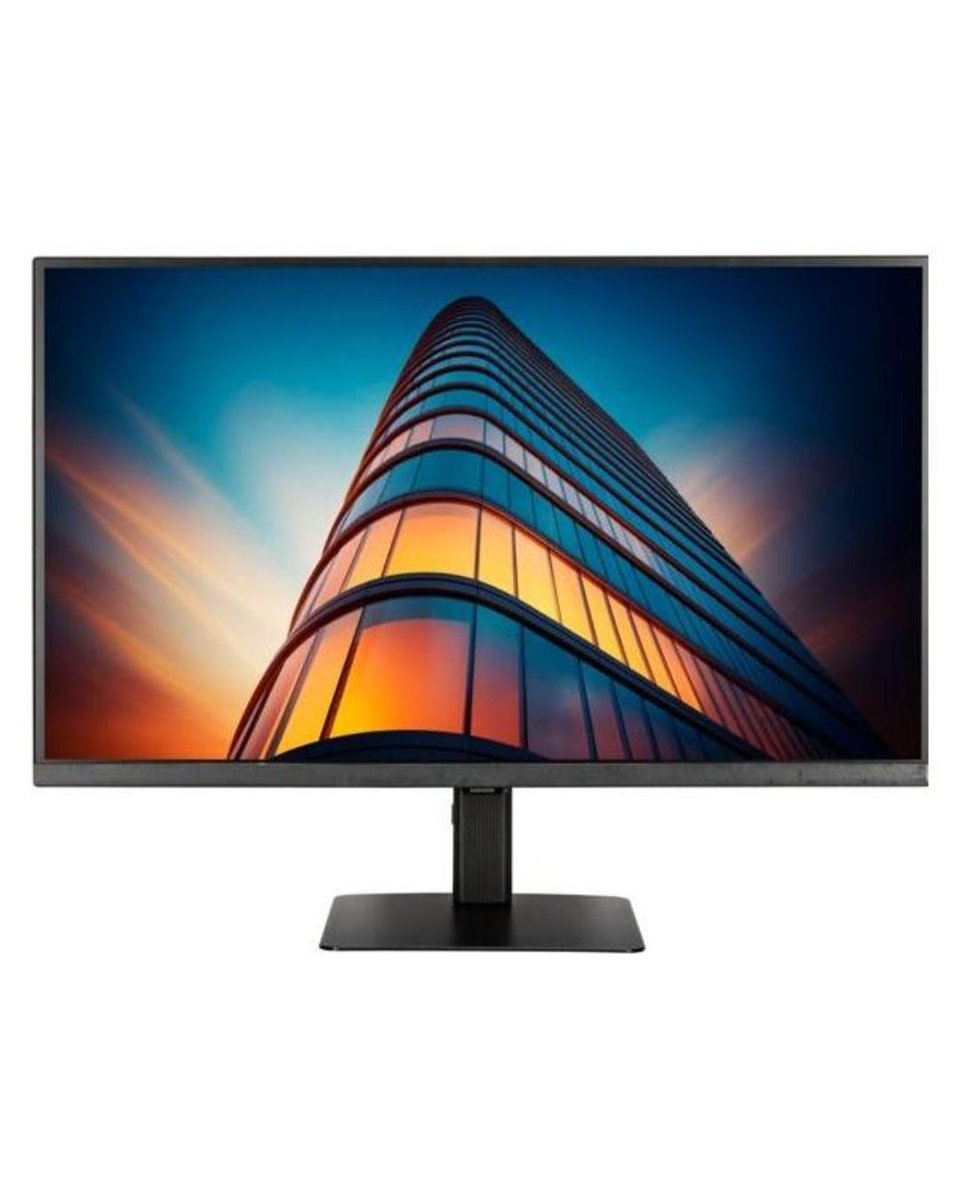
Samsung 24" S60D QHD ViewFinity High Resolution Monitor (LS24D606EAMXUE)
samsung
Screen Size: 24 inches Resolution: 2,560 x 1,440 Refresh Rate: 100 Hz Response Time: 5 ms Brightness: 350 cd/m² Contrast Ratio: 1,000:1 Panel Type: IPS Aspect...
 -11%
Monitors
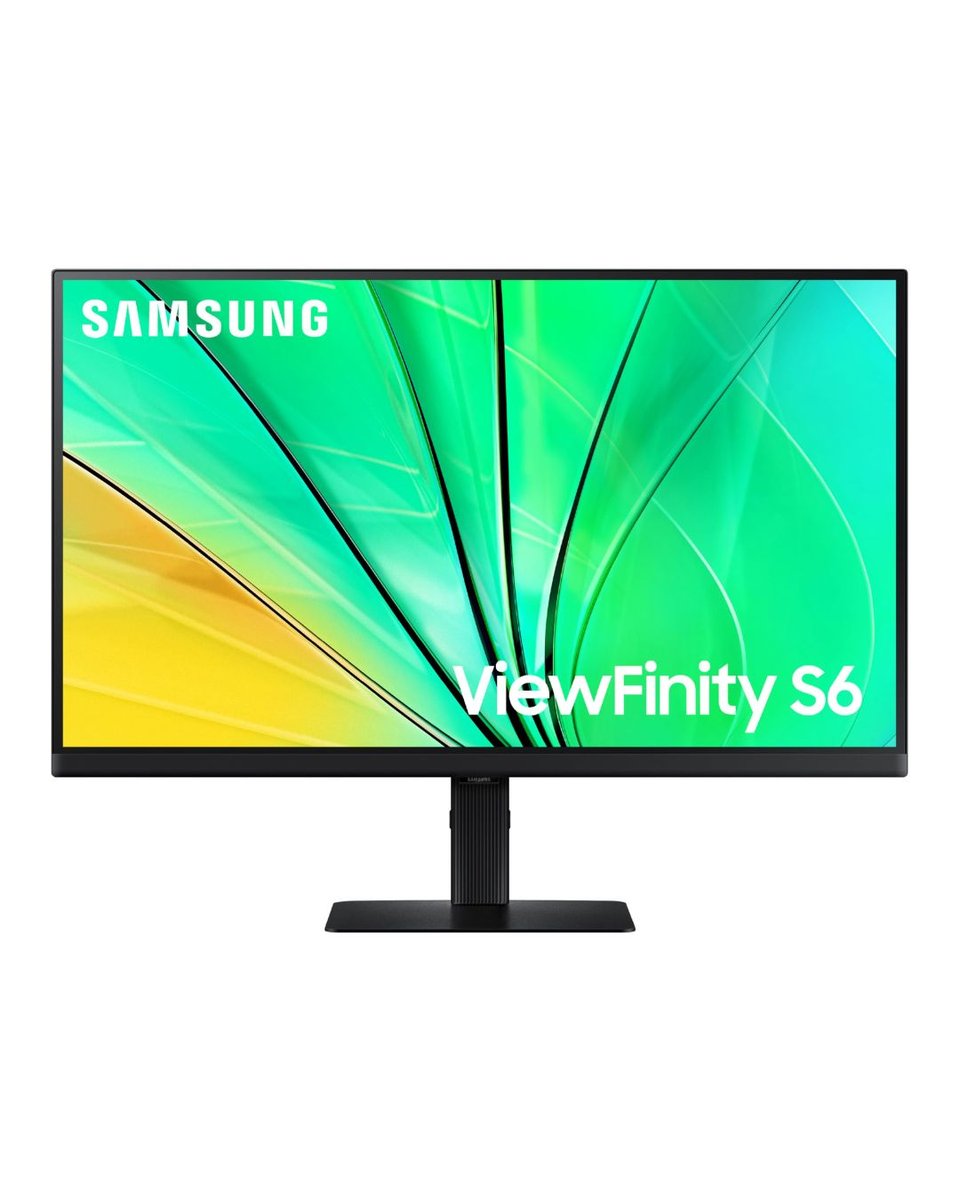
Samsung 27" QHD ViewFinity S6 S60D Monitor (LS27D606EAMXUE)
samsung
Screen size: 27 inches Resolution: 2560 × 1440 (QHD) Refresh rate: 100 Hz Response time: 5 ms Brightness: 350 cd/㎡ Contrast ratio: 1000:1 VESA mount: 100 mm ×...